Zlib app integration means adding compression to your own application through the zlib library or one of the many language modules built on its formats. C and C++ programs call zlib directly, while Python, Node.js, Java and .NET ship built-in modules that read and write the same zlib, gzip and DEFLATE data.
Picking the Right Approach
The best route depends on your language and how much control you need. Built-in modules cover most applications with no extra dependency, while direct C calls give full control over memory, buffers and streaming behaviour.
| Language | Module or API | Extra install |
|---|---|---|
| C and C++ | zlib.h, linked with -lz | zlib library or source |
| Python | zlib and gzip modules | None, part of the standard library |
| Node.js | node:zlib | None, part of the runtime |
| Java and Kotlin | java.util.zip | None, part of the platform |
| .NET | System.IO.Compression | None, part of the framework |
Using zlib Directly in C
C code includes zlib.h and links the library. For whole buffers, compress2() and uncompress() keep the code short. Allocate the destination with compressBound() so even incompressible input always fits.
#include "zlib.h"

uLong  bound = compressBound(src_len);
Bytef *dst   = malloc(bound);
uLongf dst_len = bound;
int r = compress2(dst, &dst_len, src, src_len, Z_DEFAULT_COMPRESSION);
if (r != Z_OK) { /* handle error */ }
Large files and network data call for the streaming API. The examples folder in the zlib source includes zpipe.c, a short and well-commented program that shows the standard deflate and inflate loops. It makes an excellent template for real projects.
Python
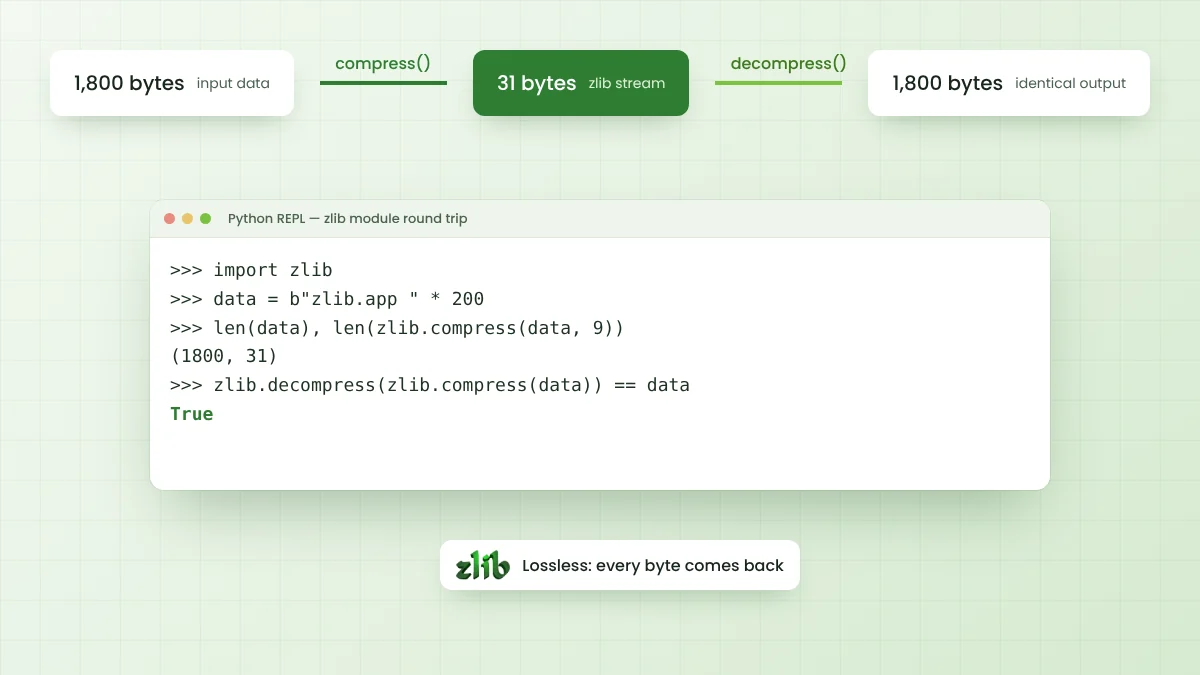
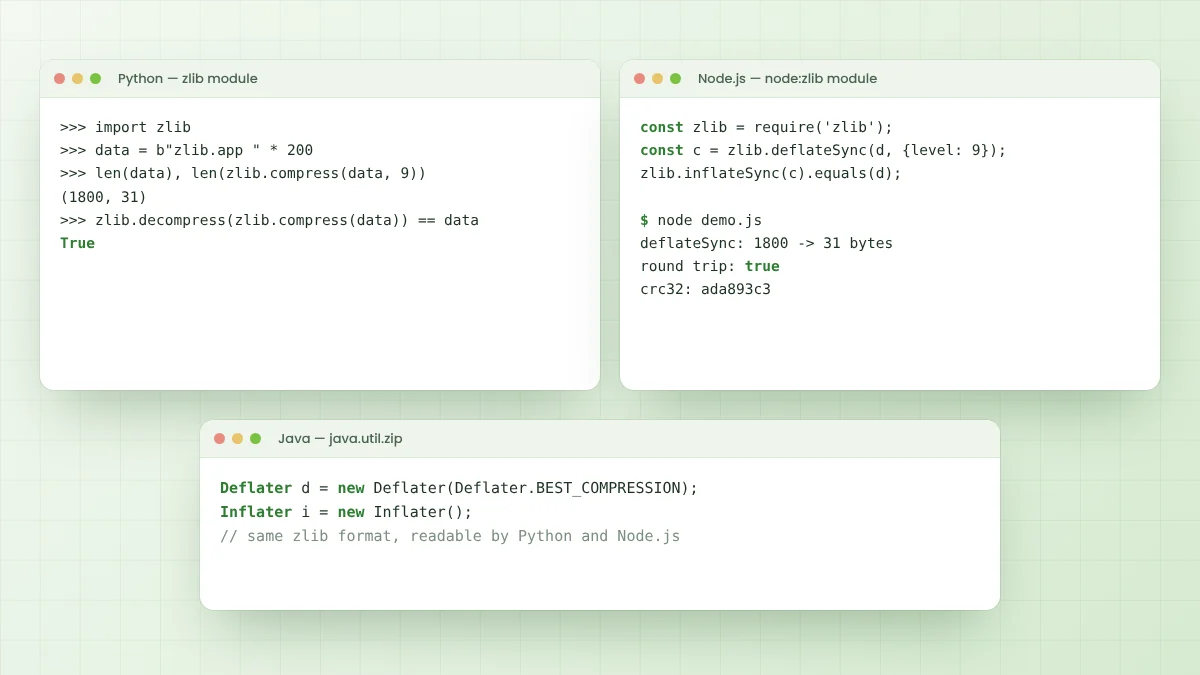
Python's zlib module follows the same format as the C library. The session below shows a real round trip, with 1,800 repetitive bytes compressing to 31 and returning unchanged.
>>> import zlib
>>> data = b"zlib.app " * 200
>>> len(data), len(zlib.compress(data, 9))
(1800, 31)
>>> zlib.decompress(zlib.compress(data)) == data
True
zlib.compressobj()andzlib.decompressobj()handle streaming data.- The
wbitsargument picks the format: 15 for zlib, 31 for gzip, -15 for raw DEFLATE. - The
gzipmodule reads and writes .gz files directly. zlib.crc32()andzlib.adler32()compute checksums.
Node.js
Node.js includes the node:zlib module with both synchronous helpers and stream classes. A quick test on Node.js 22 compressed the same 1,800 bytes to 31 with deflateSync() at level 9 and confirmed the round trip with inflateSync().
const zlib = require('node:zlib');
const data = Buffer.from('zlib.app '.repeat(200));
const packed = zlib.deflateSync(data, { level: 9 });
console.log(packed.length);                       // 31
console.log(zlib.inflateSync(packed).equals(data)); // true
For files and HTTP responses, prefer the stream classes such as createGzip() and createGunzip() with pipeline(). Streaming keeps memory flat and avoids blocking the event loop on large inputs.
Java and Kotlin
The java.util.zip package provides Deflater and Inflater for zlib and raw DEFLATE data, GZIPOutputStream and GZIPInputStream for gzip, and CRC32 and Adler32 checksum classes. Passing true for the nowrap argument switches Deflater and Inflater to raw DEFLATE.
Deflater d = new Deflater(Deflater.BEST_COMPRESSION);
d.setInput(input);
d.finish();
int n = d.deflate(buffer);
d.end();
Always call end() on Deflater and Inflater objects once finished. They hold native memory that is released by end() rather than promptly by garbage collection.
.NET
The System.IO.Compression namespace offers DeflateStream for raw DEFLATE, GZipStream for gzip and, since .NET 6, ZLibStream for the zlib format. All three wrap another stream, so compressing a file is a matter of chaining a FileStream through the compression stream.
Sharing Data Between Languages
Because every module above follows the same RFCs, data can move freely between them. A Python service can compress JSON that a Node.js API later decompresses, and a Java client can read gzip files produced by a C tool.
- Agree on one format, zlib or gzip, and document it.
- Send compressed data as binary, or Base64 encode it exactly once.
- Store the uncompressed size when the reader needs to allocate a buffer.
- Test each pair of languages with a shared sample file.
Performance Tips
Reusing compressor objects saves setup time when handling many small messages. In C, deflateReset() reuses a stream, and other languages expose similar reset or reuse options. Larger input chunks also reduce per-call overhead.
Level choice matters even more. Level 6 usually gives most of the size benefit at a fraction of the level 9 cost, as the compression levels guide measures. Return codes are covered in the zlib errors guide.
Compression in Web Apps
Web frameworks often handle gzip for you. Servers compress responses when the client sends an Accept-Encoding header that includes gzip, and browsers decompress them transparently. Enabling this middleware is usually the quickest compression win for any web app.
Skip compression for content that is already compressed, such as JPEG, PNG, MP4 or ZIP files. Compressing them again wastes CPU time and can even make responses slightly larger.
Handling Untrusted Compressed Data
Applications that accept compressed uploads or messages should limit how much output they are willing to produce. A small, crafted input can expand enormously, so stream the decompression and stop once a sensible size limit is reached.
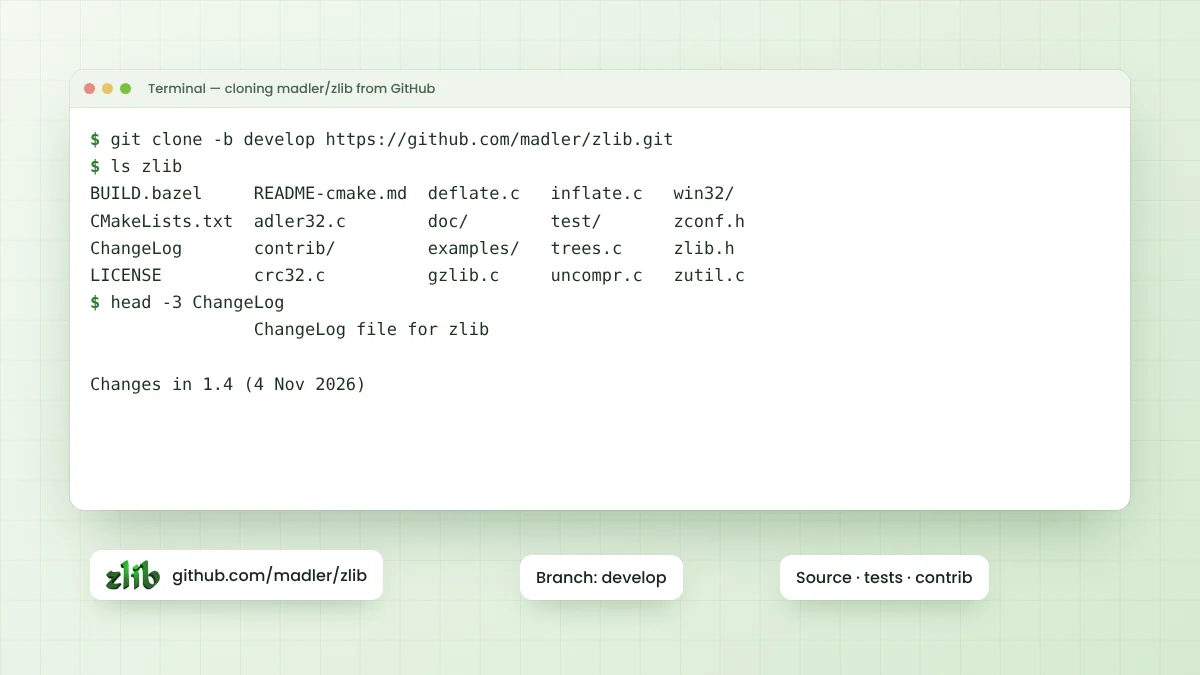
Keep the zlib version behind your runtime or native build up to date as well. Security fixes do appear in the ChangeLog, and applications that link zlib statically only gain them after a rebuild.
Choosing zlib or gzip for Your App
Use the zlib format for compact, internal messages where the two-byte header and Adler-32 checksum are enough. Choose gzip when files leave your system, because command-line tools, web servers and archive programs recognise .gz files immediately.
Raw DEFLATE makes sense only when another container already provides framing and checksums, as ZIP does. Document the choice in your API or file specification so every client decodes data the same way.
Frequently Asked Questions
No. Python's zlib module and Node.js's node:zlib module ship with their runtimes, so no separate installation is needed for normal use.
Yes, as long as both sides use the same format. zlib, gzip and raw DEFLATE data are interchangeable between languages that follow the RFCs.
Use compress2() and uncompress() for whole buffers. Switch to deflate() and inflate() when data is large or arrives in pieces.
No. zlib is free source code with no accounts, keys or online activation, so it works fully offline inside your application.
Conclusion
Zlib app integration is simple in nearly every language, because DEFLATE support comes built into Python, Node.js, Java and .NET, and C programs can call the library directly. All of them speak the same formats.
Choose one format, check return values, reuse compressor objects for many small messages, and test data exchange between every language your system uses.