Zlib GitHub is where the official source code of the zlib compression library lives, under the address github.com/madler/zlib. The repository holds the C sources, build files, tests, documentation and contributed packages, and it is the origin of the develop.zip archive offered on this site.
Repository Basics
The repository belongs to the madler account, matching Mark Adler, one of the two authors named in the LICENSE file. Its default branch is develop, and a master branch also exists. When this article was written, both branches pointed at the same commit.
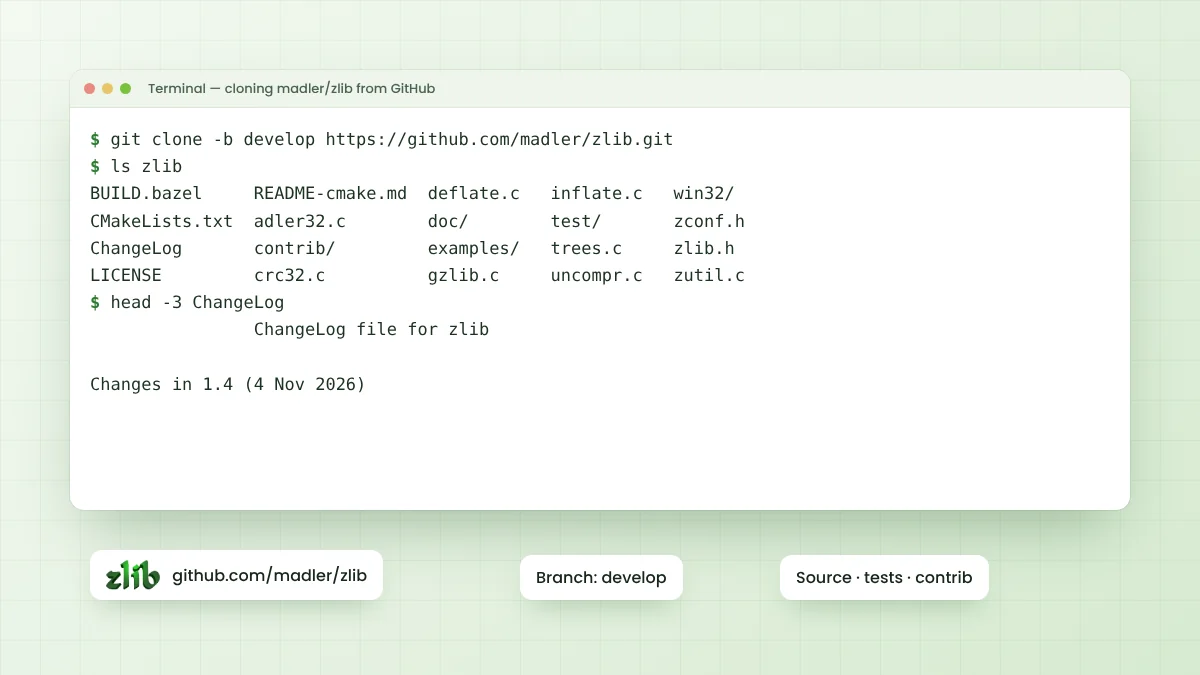
Releases are marked with Git tags such as v1.3.2 and v1.4. The ChangeLog in the develop branch lists version 1.4 with the date 4 November 2026, which matches the v1.4 tag. Always check ChangeLog after downloading, since the branch can move forward.
Ways to Get the Code
There are three common ways to pull the source from GitHub. All of them deliver the same files, so the right choice depends on whether you need Git history and how you plan to update the code later.
| Method | Command or action | Best for |
|---|---|---|
| ZIP archive | Download the develop-branch ZIP archive | Quick builds without Git installed |
| Shallow clone | git clone --depth 1 -b develop https://github.com/madler/zlib.git | Current code with minimal download |
| Full clone | git clone https://github.com/madler/zlib.git | History, tags and switching versions |
A full clone lets you run git checkout v1.4 to pin an exact release. That is often wiser for production builds than tracking the moving develop branch, because the code you test stays identical to the code you ship.
What Each Folder Contains
The repository root holds the library itself. Files such as deflate.c, inflate.c, trees.c, crc32.c, adler32.c and the gz*.c family make up the core, while zlib.h and zconf.h form the public headers that your code includes.
Key Root Files
- zlib.h documents every public function, constant and structure.
- CMakeLists.txt and README-cmake.md cover CMake builds and options.
- configure and Makefile.in support the classic Unix build route.
- BUILD.bazel and MODULE.bazel allow Bazel builds.
- ChangeLog records changes per version, and FAQ answers common questions.
- LICENSE holds the zlib license text.
Important Subfolders
| Folder | Purpose |
|---|---|
| test/ | example.c, minigzip.c and infcover.c used by the test suite |
| examples/ | Sample programs such as zpipe.c, gzappend.c and zran.c |
| doc/ | Copies of RFC 1950, 1951 and 1952 plus algorithm notes |
| win32/ | Windows makefiles, DLL notes and resource files |
| contrib/ | Unsupported user contributions, including minizip and puff |
| .github/workflows/ | Automated build checks for CMake, configure and other setups |
Understanding the contrib Folder
The contrib directory deserves a careful read. Its README states that everything inside is unsupported and was not tested by the zlib authors, so questions about those packages go to their own contributors rather than to the zlib maintainers.
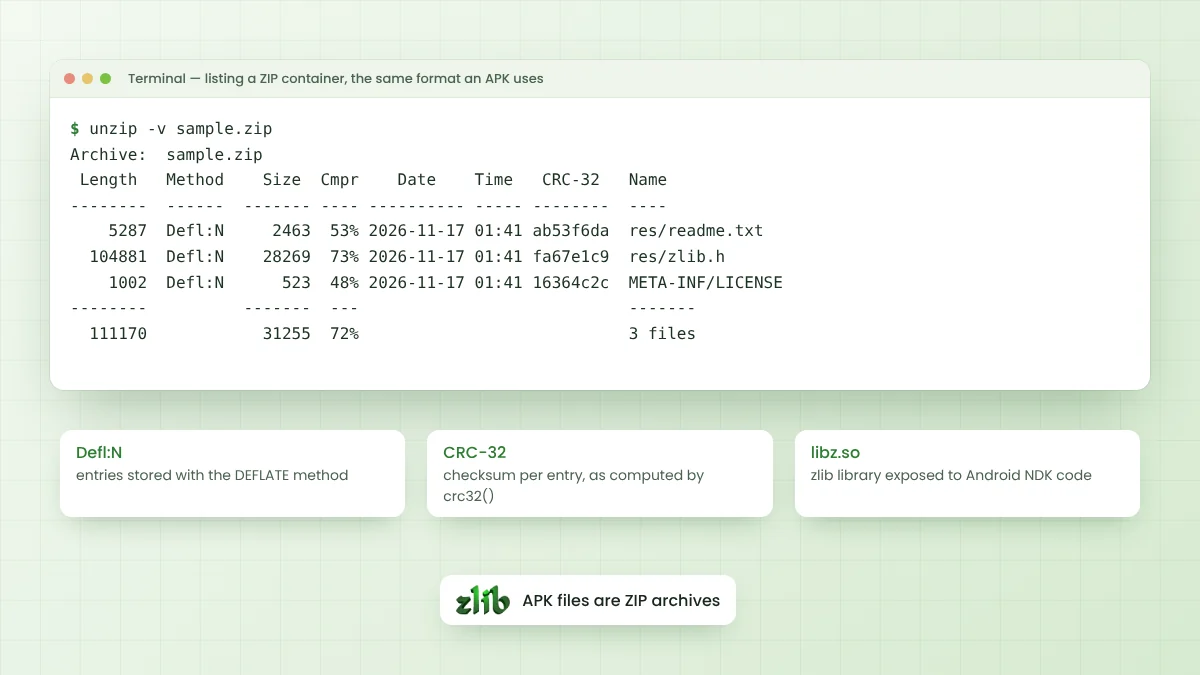
Despite that warning, several pieces are widely used. minizip reads and writes .zip archives on top of zlib, puff offers a tiny reference inflate implementation, and other folders provide bindings for Ada, Delphi, Pascal and .NET.
Automated Builds and Tests
The .github/workflows folder contains workflow files for CMake builds, configure builds, contributed packages, fuzzing and MSYS or Cygwin environments. These run on GitHub and show whether recent commits still build cleanly across common setups.
Locally, the same confidence comes from the bundled tests. A CMake build of the develop branch on Linux ran 18 tests through ctest, and all of them passed. Running those tests after every build is a cheap and useful habit.
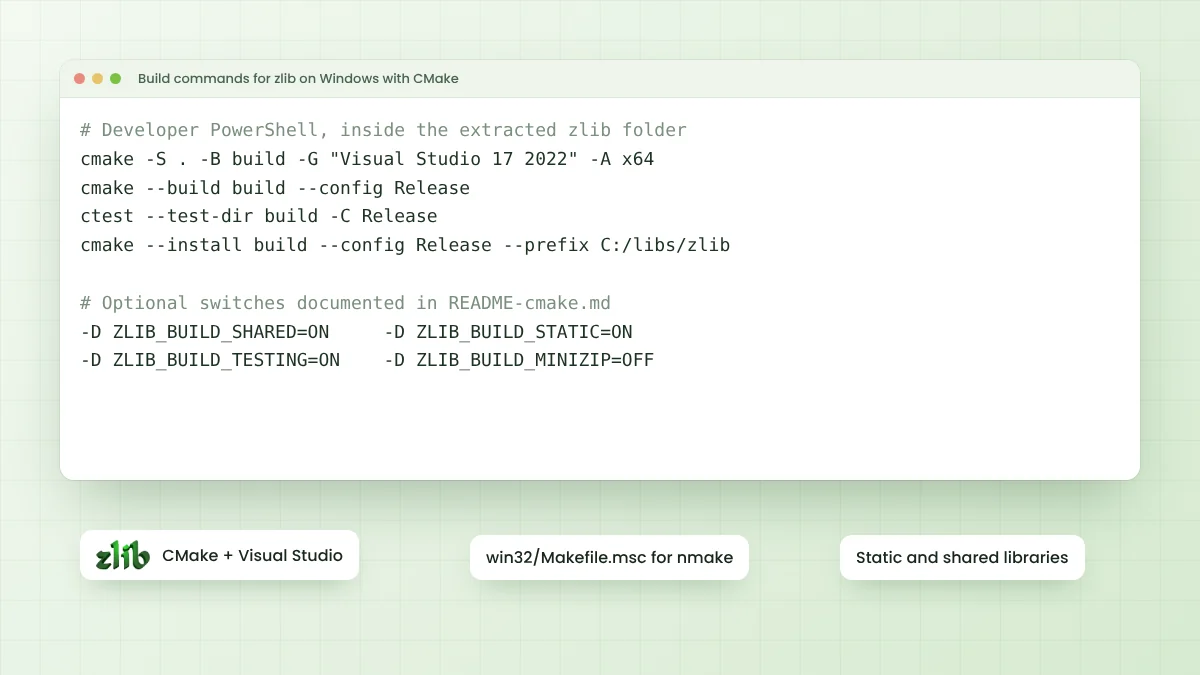
cmake -S . -B build -D CMAKE_BUILD_TYPE=Release
cmake --build build
ctest --test-dir build
Issues, Pull Requests and Accounts
Reading or downloading the repository needs no account and no login. A GitHub account only matters when you want to report a problem, comment on an existing issue or propose a change through a pull request.
The README also recommends checking the zlib FAQ at zlib.net before asking for help, and confirming that a problem still exists in the newest version. Following that advice keeps reports focused and saves time for everyone involved.
Keeping Your Copy Current
Security fixes do land in zlib, as the 1.4 ChangeLog shows with entries for buffer handling in gzwrite() and several minizip issues. Projects that bundle a copy of the source should plan regular updates instead of freezing an old snapshot forever.
- Watch the repository for new release tags.
- Read ChangeLog entries before upgrading.
- Rebuild and rerun the test suite after each update.
- Rebuild any software that links zlib statically.
Reading the Source Effectively
Start with zlib.h, since its comments act as the official manual for every function. After that, examples/zpipe.c shows a complete streaming program in fewer than two hundred lines, and test/example.c exercises most of the API in one place.
For deeper study, doc/algorithm.txt describes how deflate and inflate work internally, and contrib/puff offers a compact inflate written for clarity. Reading those alongside deflate.c and inflate.c makes the main code much easier to follow.
Tags Versus Branches
A branch moves forward as new commits arrive, while a tag stays fixed on one commit forever. Build scripts that name a tag produce the same source every time, which makes bug reports, audits and reproducible releases much simpler to manage.
Frequently Asked Questions
Yes. It belongs to Mark Adler, one of the two zlib authors, and the README in the repository points to zlib.net as the project home page.
develop is the default branch and holds the newest code. For a fixed, repeatable build, clone the repository and check out a release tag such as v1.4.
No. Both the ZIP archive and git clone work without signing in. An account is only required for issues and pull requests.
No. minizip sits in the contrib folder, which the README marks as unsupported contributions, although CMake can build it with the ZLIB_BUILD_MINIZIP option.
Conclusion
Zlib GitHub hosting gives everyone direct access to the official source, release tags, tests and contributed packages in one place. Knowing the role of the root files, the contrib folder and the workflow checks makes the repository far easier to navigate.
Download the archive for quick builds, or clone and pin a tag for production work. Either way, read ChangeLog, run the tests and keep your copy updated as new fixes arrive.